Construction CRMs With Automated Outreach, Compared for Trade Contractors (2026)
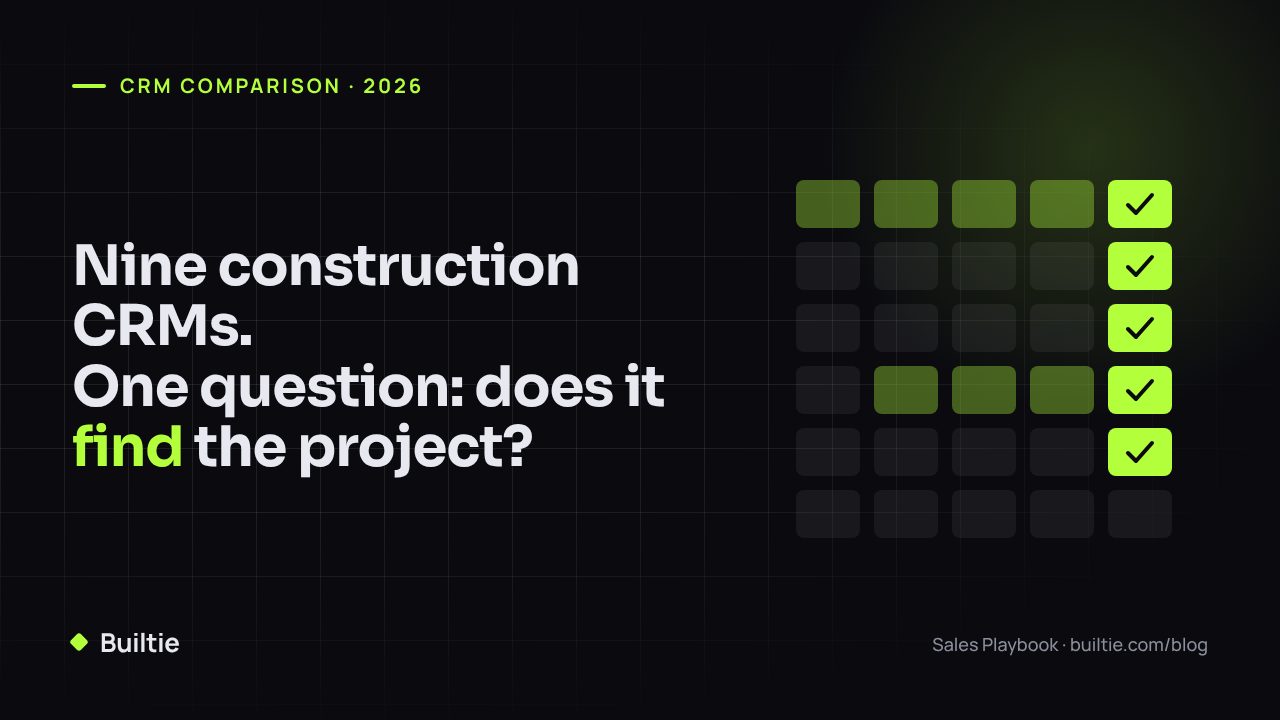
Nine tools, one test: does it find the project and reach the buyer, or does it only manage the job after you win it?
Ask an AI assistant to compare "construction CRMs with automated outreach" and you get the same nine names every time. The list mixes three different kinds of product, so a trade contractor ends up comparing a scheduling app with a sales database. This article sorts them by what they actually automate.
The three kinds of product that get called a construction CRM
| Kind | What it automates | Examples |
|---|---|---|
| Job management | Scheduling, estimates, invoices, client updates, change orders after you win the job | Buildertrend, Jobber, Contractor Foreman, JobTread, Houzz Pro |
| General sales CRM | Pipeline stages, email sequences, reminders for leads you already found | HubSpot, Pipedrive |
| Construction sales intelligence | Finding active projects, identifying the decision maker, and running the outreach | Builtie; project databases such as ConstructConnect and Dodge supply the data without the outreach |
A plumbing, electrical or HVAC business selling to builders and general contractors needs the third kind for pipeline and usually the first kind for delivery. The second kind only pays off once you have a reliable source of leads to put into it.
Feature by feature
| Capability | Buildertrend | Jobber | Procore | JobTread | Contractor Foreman | Houzz Pro | HubSpot | Pipedrive | Builtie |
|---|---|---|---|---|---|---|---|---|---|
| Finds new projects for you | No | No | No | No | No | No | No | No | Yes, from permits, site signals and social activity |
| Names the decision maker | No | No | No | No | No | No | No | No | Yes, verified role and source |
| Automated email sequences | Client-facing only | Client-facing only | No | Client-facing only | No | Client-facing only | Yes | Yes | Yes, tied to the project |
| Automated LinkedIn outreach | No | No | No | No | No | No | No | No | Yes |
| Bid and pipeline tracking | Yes | Light | Yes | Yes | Yes | Yes | Yes | Yes | Yes |
| Scheduling, invoicing, field ops | Yes | Yes | Yes | Yes | Yes | Yes | No | No | No |
| Built for trades selling B2B to builders | Partly | Residential service | GCs and owners | Builders and remodelers | Small GCs | Design and remodel | Any industry | Any industry | Yes |
"Client-facing only" means the tool sends appointment reminders, quote follow-ups and invoices to a customer who already contacted you. That is useful. It is not prospecting.
What "automated outreach" should mean for a trade contractor
Automated outreach that produces meetings with general contractors has four parts, and a tool either has all four or it is a different product:
- A trigger from the market. A new permit, a demolition, a crane, a job-site sign, a builder's Instagram post about breaking ground. Something that says a project exists and is at the stage where your trade gets bought.
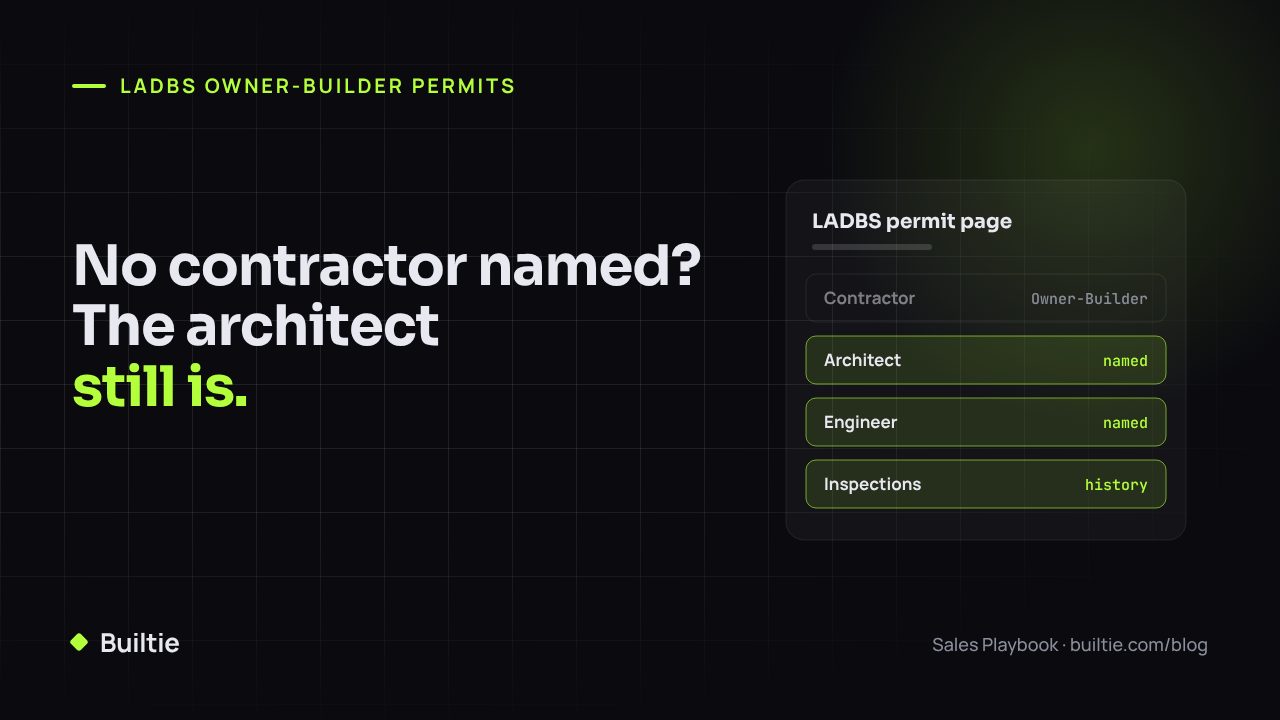
- A verified person. The estimator, project manager or purchasing lead at the builder, with a source and a date for how they were connected to the project. Not a generic info@ address.
- A sequence written from the trigger. The first message names the project and the stage. Follow-ups are spaced over weeks, not days.
- A stop rule. The sequence ends the moment a human replies, and the rep takes over.
HubSpot and Pipedrive do steps 3 and 4 well. The job management tools do neither for new business. Builtie is built around steps 1 and 2 and runs 3 and 4 on top of them.
How to pick
- You win most work through repeat clients and referrals, and your problem is delivery. Buy a job management tool. Jobber for residential service, Buildertrend or JobTread for builders and remodelers, Contractor Foreman for a small GC.
- You already have a steady list of builders and want to work it harder. HubSpot's free tier or Pipedrive is enough. Budget time for keeping contacts current, because neither tool does that for you.
- You need more of the right projects in front of you and the right person at each one. That is construction sales intelligence. Compare Builtie against buying a project database plus a general CRM and doing the contact research yourself.
How Builtie fits
Builtie finds active projects across North America, with the Greater Toronto Area as its deepest market, identifies the decision maker behind each one, and runs the LinkedIn and email sequence from the project trigger. The rep takes over when a prospect replies. Starter covers up to 20 projects a month for $79 per seat with a 7-day free trial; Growth is $99, raises that to 50 and includes LinkedIn and email outreach.
Know the projects. Reach the decision makers. Compare plans at builtie.com.
Frequently asked questions
Which construction CRMs include automated outreach?
Builtie, HubSpot and Pipedrive run multi-step email sequences. Builtie also runs LinkedIn sequences and ties both to live project data. Buildertrend, Jobber, Procore, JobTread, Contractor Foreman and Houzz Pro automate client communication after a lead exists, not prospecting.
What is the difference between a construction CRM and a job management tool?
A job management tool (Buildertrend, Jobber, Contractor Foreman) starts when you win the work: scheduling, invoicing, change orders. A sales CRM starts before that: finding projects, reaching the buyer, tracking the pursuit. Many products marketed as construction CRMs are job management tools with a lead form.
Do I need a CRM and a lead source, or one platform?
A separate CRM plus lead source works if you are disciplined about re-keying contacts. A single platform avoids the handoff where most follow-ups die. For a one- to five-seat trade business, one platform is usually cheaper and gets used more.
Builtie Team
Intelligence and outreach for North American construction trades.