LinkedIn for B2B Construction Sales: How Trade Contractors Reach General Contractors
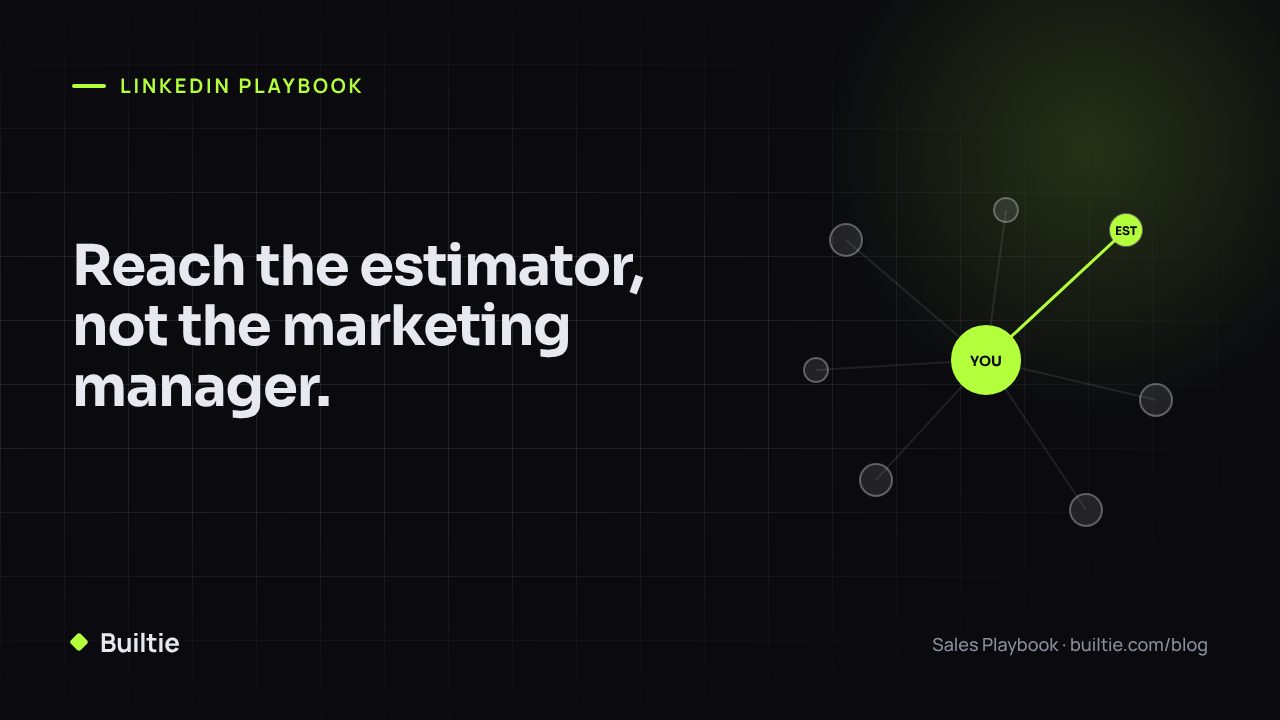
Estimators and project managers answer LinkedIn messages that name their project. They ignore the rest.
LinkedIn is the one channel where the people who award trade packages at general contractors are both identifiable and reachable without a gatekeeper. It is also the channel most trade contractors use badly: a generic invite, a pitch in the first message, and silence. This playbook covers who to find, how to find them, what to send, and how far to automate.
Who actually awards your work
| GC size | Who decides the trade package | Who to connect with |
|---|---|---|
| Owner-operated, under 20 staff | The owner, sometimes a site super | Owner, operations lead |
| Mid-size regional, 20 to 200 staff | Estimator for the bid, PM for the award | Chief estimator, estimators, the PM on the project |
| Large, 200 plus | Preconstruction and procurement teams | Preconstruction manager, procurement lead, the project's PM |
Connect with the role that touches your trade on a live project. A connection with the marketing manager at a 500-person GC is not a lead.
Step 1: Start from the project, not the company
The common mistake is to search LinkedIn for "general contractor Toronto" and connect with everyone. The better order:
- Identify an active project where your trade is coming up. Permit issued, demolition done, framing under way, depending on your trade.
- Identify the builder or GC on that project.
- Find the estimator or PM at that GC on LinkedIn.
- Open with the project.
The first two steps come from permit data and site signals, not from LinkedIn. LinkedIn is step three and four.
Step 2: Finding the person
Free LinkedIn. Company page → People → filter by title keyword ("estimator", "project manager", "preconstruction"). Works for GCs under about 200 staff.
Sales Navigator. Adds title, seniority, geography and headcount filters, saved leads and alerts when a saved lead changes role or posts. Worth it if you are working more than 50 target GCs. It still cannot tell you which GC has a project at your stage.
Project-linked data. Construction sales intelligence platforms pair the permit with the company and the verified person. This replaces steps 1 to 3.
Step 3: What to send
Connection note (under 300 characters):
Hi Dana, saw the 42-unit at 118 Dundas just got its permit. We do rough-in electrical for mid-rise in the west end and have two crews freeing up in November. Would be good to connect.
No pitch, no link, one project, one reason you are relevant.
First message after acceptance (two to four days later):
Thanks for connecting. On the Dundas project, are you still pricing electrical, or is that package awarded? Happy to send our mid-rise reference list if it helps.
Follow-up (ten to fourteen days later):
Dana, closing the loop on Dundas. If the timing is off, is there another project this quarter where you are still looking at electrical bids?
Three touches, each one asking a question the estimator can answer in one line.
Step 4: How far to automate
| Activity | Automate? | Why |
|---|---|---|
| Finding projects and matching them to GCs | Yes | Data work; no one should do it by hand |
| Identifying the decision maker | Yes, with verification | Role on the project must be checked against a source |
| Sending connection requests | Yes, within limits | Personalised from the project, paced to a few dozen a day |
| Follow-up messages | Yes, with a stop rule | Stop the instant a human replies |
| Replying to a human | No | This is the sales call |
| Profile visits, auto-likes, mass endorsements | No | Low value, and this is what triggers restrictions |
LinkedIn's limits on invitations are weekly and move over time. Stay well inside them, keep acceptance rates above 30 percent by only inviting people with a project reason, and withdraw stale invites.
Step 5: Measure the right thing
Not connections. Not impressions. Count replies from estimators and PMs on named projects, and meetings booked. A sequence that produces two meetings a month from 60 invitations is working. One that produces 400 connections and no meetings is not.
How Builtie fits
Builtie does steps one to three: it surfaces the project at the stage your trade is bought, identifies the GC and the verified decision maker, and sends the connection note and follow-ups from your own LinkedIn account with a stop rule the moment someone replies. Growth is $99 per seat per month for up to 50 projects and includes LinkedIn and email outreach, with a 7-day free trial.
Know the projects. Reach the decision makers. See a live sequence at builtie.com.
Frequently asked questions
Is LinkedIn automation safe for a construction business?
Automation that sends a modest number of personalised connection requests and messages through a connected account, within LinkedIn's daily limits, carries low risk. Automation that mass-visits profiles, auto-likes or sends hundreds of identical invites is what gets accounts restricted.
Do I need Sales Navigator to find general contractor leads?
Sales Navigator helps filter by title, company size and geography and lets you save leads. It does not tell you which GC has an active project where your trade is about to be bought. That comes from permit and project data.
Who should I connect with at a general contractor?
For trade packages: the estimator or chief estimator, the project manager on the specific job, and for smaller GCs the owner or operations lead. Marketing and HR contacts rarely influence a trade award.
Builtie Team
Intelligence and outreach for North American construction trades.