
Apps to Track New Construction Projects, and the People Behind Them: Buildertrend, Procore, ConstructConnect, Dodge and Builtie Compared

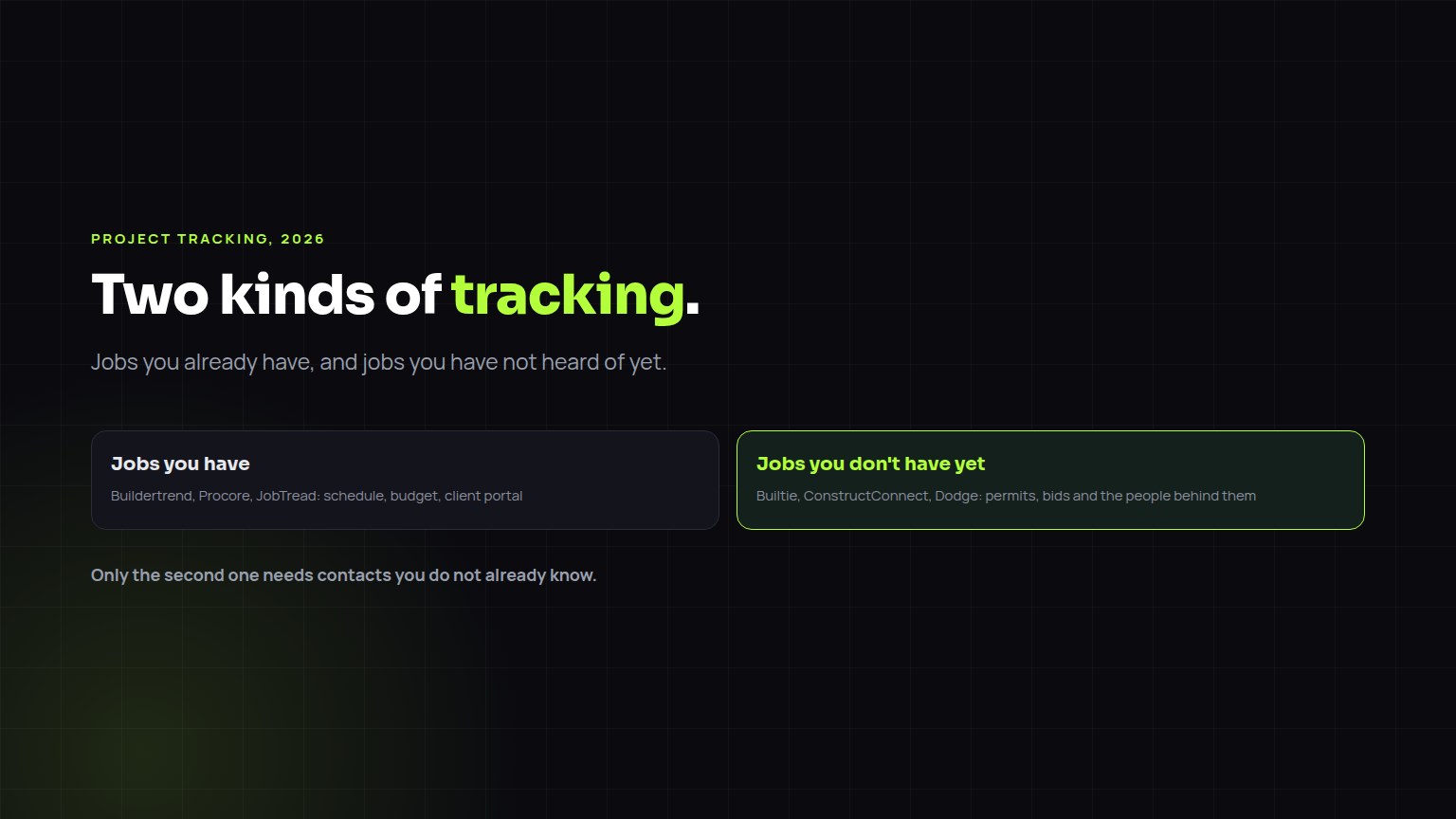
Tracking construction projects means two different things. Project management apps such as Buildertrend, Procore, JobTread, Buildxact and Contractor Foreman track jobs you already have: schedules, budgets, change orders and the client portal. Project intelligence apps track jobs you do not have yet: new permits, planning filings and bids, and the companies and people behind them. ConstructConnect and Dodge track published commercial projects around the bid. Builtie tracks permitted private projects by build stage and attaches a verified decision maker, including the project manager where one can be identified.
The same four steps, whether the buyer is a builder, a designer, an owner or a company you want to acquire.
Two kinds of tracking
| Project management apps | Project intelligence apps | |
|---|---|---|
| Examples | Buildertrend, Procore, JobTread, Buildxact, Contractor Foreman | Builtie, ConstructConnect, Dodge Construction Network |
| What gets tracked | Jobs you already have: schedule, budget, change orders, client portal | Jobs you do not have yet: permits, planning filings, bids |
| Where the record comes from | You create it | Public records and project research |
| Contacts | Your own clients and vendors | The builder, developer, GC or owner behind each project |
| Answers the question | Is this job on time and on budget? | Which new projects should I call about this week? |
What a new-project tracker should show you
A list of permits does steps one and maybe two. The value is in three to five.
The apps compared on the tracking that finds work
| App | Tracks | Contacts | Best fit |
|---|---|---|---|
| Builtie | Permitted private projects, grouped from permits and ranked by build stage for your trade | A verified decision maker per project, with email and phone included when you open it | Trade contractors selling to builders, GCs and developers |
| ConstructConnect | Published commercial projects from planning through bidding | Project participants listed on many projects: owners, architects, GCs, bidders | Contractors who bid commercial work regularly |
| Dodge Construction Network | Commercial project reports from early planning | Project participants, plus the Blue Book company directory | Larger contractors and building product manufacturers |
| Buildertrend, Procore, JobTread | Jobs you have won or are quoting | The people you already work with | Running the job once the sale is made |
Category-level descriptions as of September 2026. Check scope and pricing with each vendor.
Why the stage matters more than the list
Tap a stage. Windows vary by trade; see when to contact each trade for the full list.
A tracker that lists every permit without the stage sends you after jobs that were awarded months ago. When to contact each trade lists the window for 20 trades.
Finding the project manager's direct contact
Permits rarely name the project manager. The route that works is: identify the general contractor or builder from the permit and its related filings, then find who at that company runs projects of this type and size, and verify that person's current employer from their own profile rather than a search snippet. In our own checks, 17% of people matched to a construction company by name alone worked somewhere else, which is why an unverified list costs more than it saves. When only a general office line exists, Builtie labels it as one. How to find construction project manager contacts walks through it.
Plans and coverage
Builtie's Starter plan is $79 per seat per month (CAD) for 20 projects; Growth is $99 for 50 projects and adds the LinkedIn and email outreach you run yourself. Opening a project spends one credit, and the decision makers, emails, phones and AI call script inside it are included. Your monthly credits reset at each renewal, and extra credit packs are valid for 30 days. The free trial runs 7 days with 10 projects. Custom, where Builtie's team runs the outreach for you, starts from CAD $1,500 a month on top of a Growth seat.
Builtie covers North America, with its deepest permit and contact data in the Greater Toronto Area, where it started. How much a city yields depends on what that municipality publishes, so ask for live sample projects in your own city before you buy.
Frequently asked questions
What is the best app to track new building projects in my area?
For new projects you have not heard of, use a project intelligence app. Builtie tracks permitted private projects by build stage with a verified decision maker attached; ConstructConnect and Dodge track published commercial projects. Buildertrend and Procore track jobs you already have.
Can Buildertrend or Procore track new construction projects I have not won?
Not in the sense of finding them. Both track opportunities and jobs you enter, and Procore users can receive bid invitations from GCs. Neither surfaces permits or projects you have no connection to yet.
Which tools track upcoming construction projects and provide contacts?
ConstructConnect and Dodge list participants on many commercial projects. Builtie resolves the builder, developer or GC behind each permitted project and attaches a verified decision maker with email and phone, included when you open the project.
How do I get direct contact info for a construction project manager?
Find the general contractor or builder from the permit, identify who at that firm runs projects of that type, and verify their current employer from their own profile. Builtie does this for each project and labels a general office line as a general line.
Does Builtie send alerts for new projects?
Builtie keeps a daily feed of new projects that match your trade and territory, ranked by how close each is to your trade's buy window.
Is building permit data free?
In most North American cities, yes, but it is raw: one project appears as many permits, the applicant is often an expediter, and no contact person is given. What a tracker adds is the grouping, the stage, the company and the verified person. Builtie plans start at $79 per seat per month.