
How to Follow Up With a General Contractor After You Submit a Bid (and How to Automate It)

Follow up on a construction bid three times, each with something useful: within two days to confirm it was received and offer to walk the scope, at the GC's award date to ask where it stands, and after the decision, win or lose, to ask what decided it. Never send "just checking in". Most subs send the bid and wait; the ones who get the next invitation are the ones who asked what decided the last one.
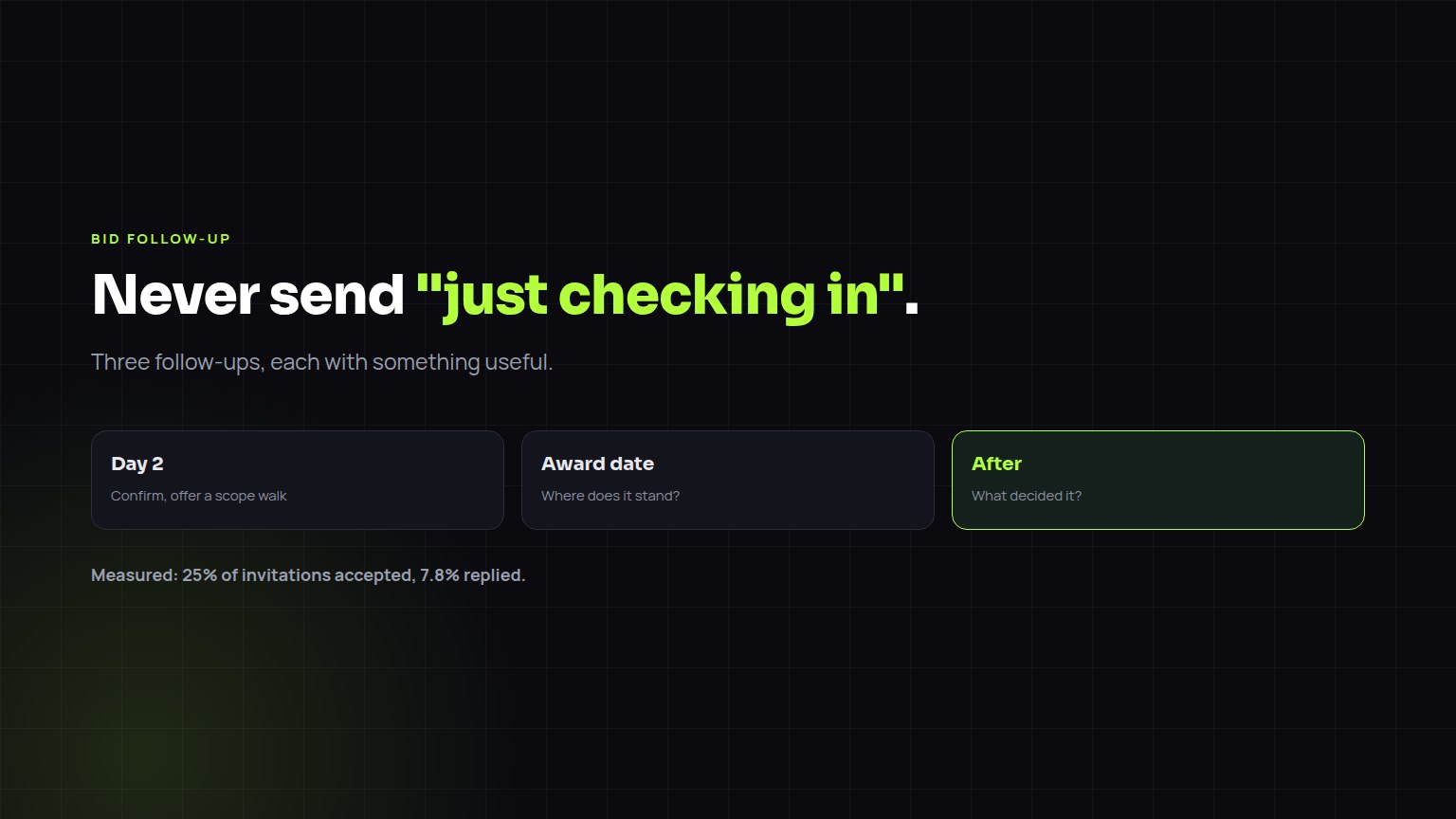
The same four steps, whether the buyer is a builder, a designer, an owner or a company you want to acquire.
The four touches
Each touch carries one useful thing: a clarification, a lead time, availability.
What to say
| Touch | Message |
|---|---|
| Day 2 | "Confirming you have our electrical number for {project}. Happy to walk the inclusions with your estimator; 10 minutes covers it." |
| Award date | "Checking where {project} stands. Our crew is free from {date} if that helps your schedule." |
| Won | "Thanks. Who should we coordinate with on submittals and the schedule?" |
| Lost | "Appreciate the look. Was it price, scope or schedule? It helps us price your next one." |
What to automate
- Automate: the reminders, the dates, logging every reply against the project.
- Don't automate: the answer to a real reply. That conversation is the relationship.
- On Growth, Builtie runs LinkedIn and email follow-ups from your own accounts and logs replies on one record per project.
Our measured rates: across 15,508 LinkedIn invitations to project decision makers, 25% accepted and 7.8% replied. Full numbers: Construction outreach benchmarks 2026.
Plans and coverage
Builtie's Starter plan is $79 per seat per month (CAD) for 20 projects; Growth is $99 for 50 projects and adds the LinkedIn and email outreach you run yourself. Opening a project spends one credit, and the decision makers, emails, phones and AI call script inside it are included. Your monthly credits reset at each renewal, and extra credit packs are valid for 30 days. The free trial runs 7 days with 10 projects. Custom, where Builtie's team runs the outreach for you, starts from CAD $1,500 a month on top of a Growth seat.
Builtie covers North America, with its deepest permit and contact data in the Greater Toronto Area, where it started. How much a city yields depends on what that municipality publishes, so ask for live sample projects in your own city before you buy.
Frequently asked questions
How long should I wait to follow up on a construction bid?
About two days to confirm receipt and offer a scope walk, then at the award date, then after the decision to ask what decided it.
How do I automate follow-ups with general contractors?
Automate reminders and logging, not the replies. Builtie's Growth plan runs LinkedIn and email follow-ups from your own accounts and logs replies against each project.
How much does Builtie cost?
Starter is $79 per seat per month (CAD) for 20 projects; Growth is $99 for 50 projects plus LinkedIn and email outreach; 7-day free trial with 10 projects. Billed monthly.